Bills, home upkeep and due dates
Bills with due dates, home maintenance on a schedule and every subscription in one place, with a monthly total so nothing sneaks up on you.
What you can do
Bills
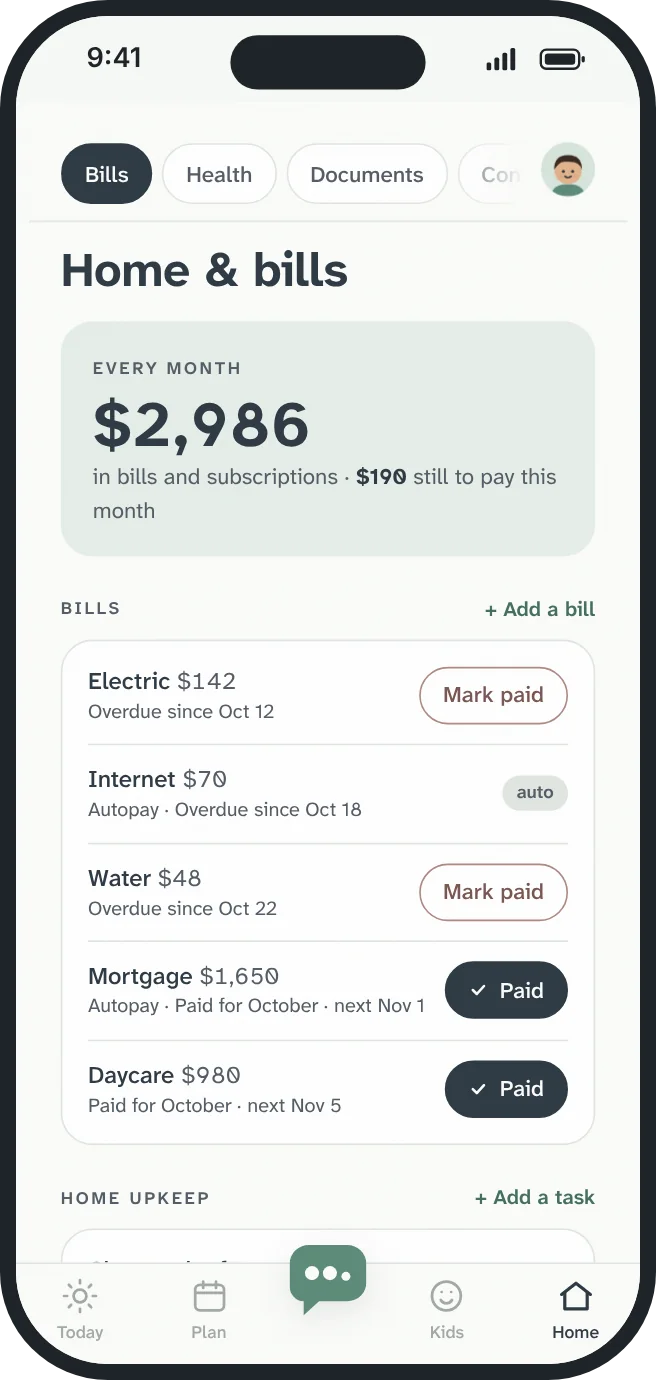
Due dates, amounts and a Mark paid button for each month.
Autopay tags
Mark the bills that pay themselves so they don't nag you.
Monthly total
Bills and subscriptions added up, plus what's left to pay this month.
Home upkeep
Filters, smoke detectors and oil changes repeat on their own schedule.
Subscriptions
Streaming, apps and deliveries with renewal dates.
Needs attention
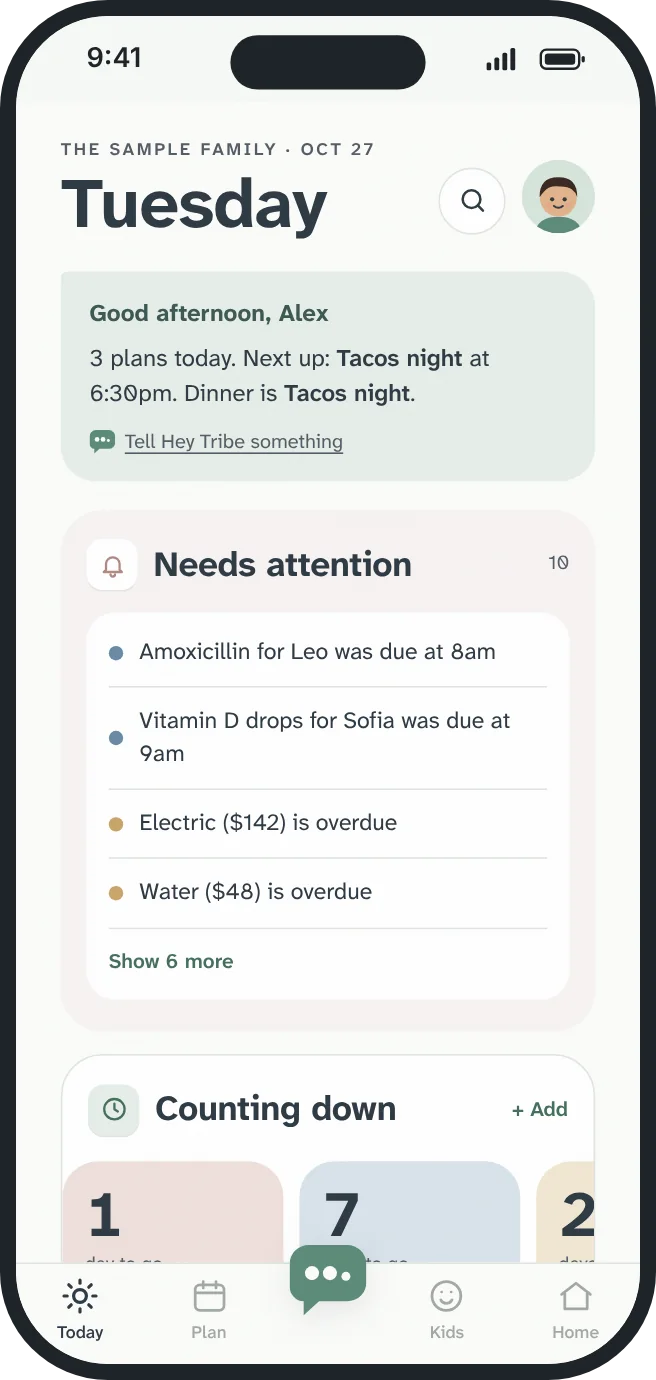
Bills due soon and overdue upkeep show up on Today.
How to set it up
- 1
Add what you pay
Bills, subscriptions and the upkeep you keep forgetting.
- 2
Get the heads-up
Due dates appear on Today a few days ahead.
- 3
Tap Paid or Done
The next due date sets itself.
What's free and what's Premium
- Up to 5 bills with due dates
- Mark paid each month
- Autopay tags
- Unlimited bills
- Home upkeep reminders and subscriptions
- Bills due in Needs attention
Questions
More answers in the help center.
Does HeyTribe connect to my bank?
No. You add bills yourself, and HeyTribe never asks for account numbers.
Can both parents mark a bill paid?
Yes. Whoever pays it taps Mark paid, and everyone sees it.